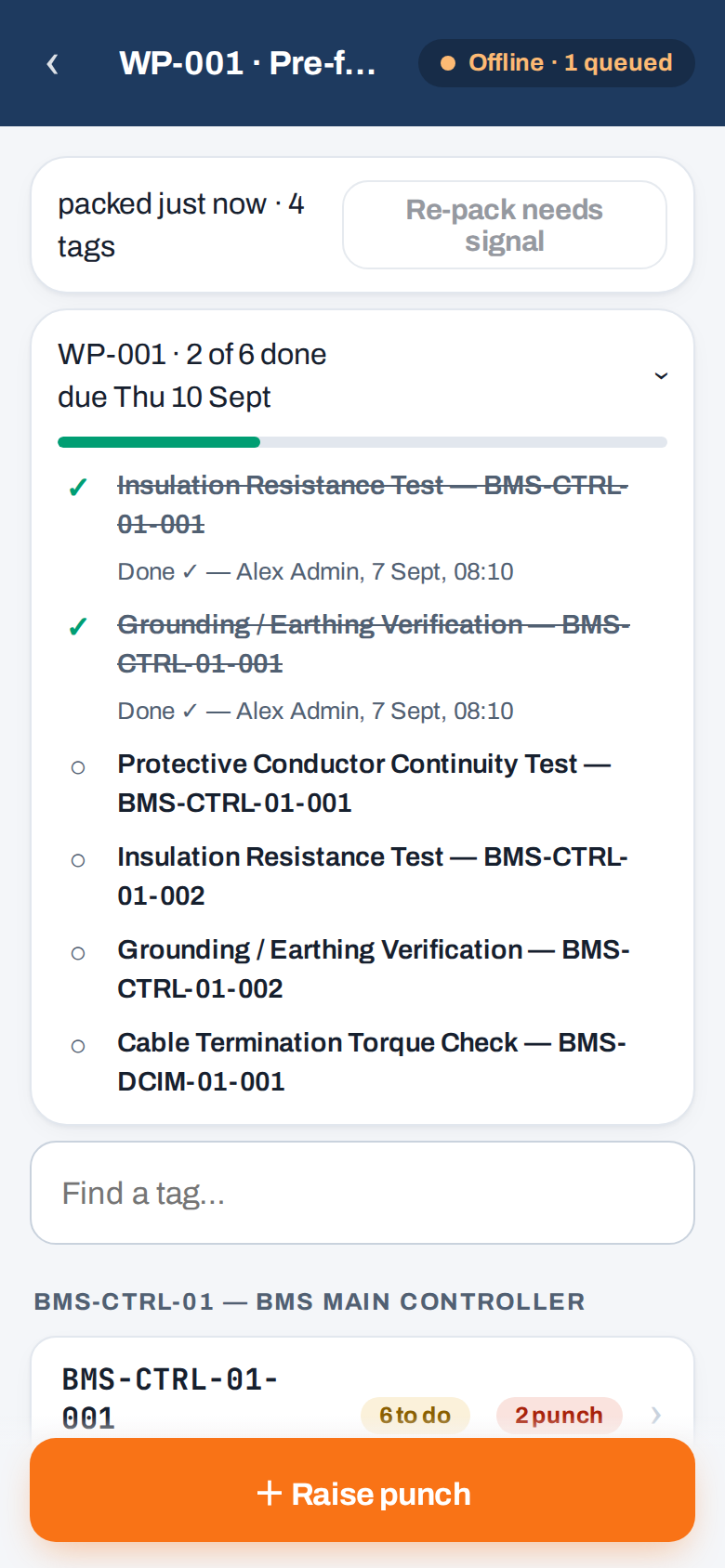
Checksheets, punch and work packs on a phone or tablet, built for gloves and one-handed use. Work the whole shift offline and it syncs when you get signal back.
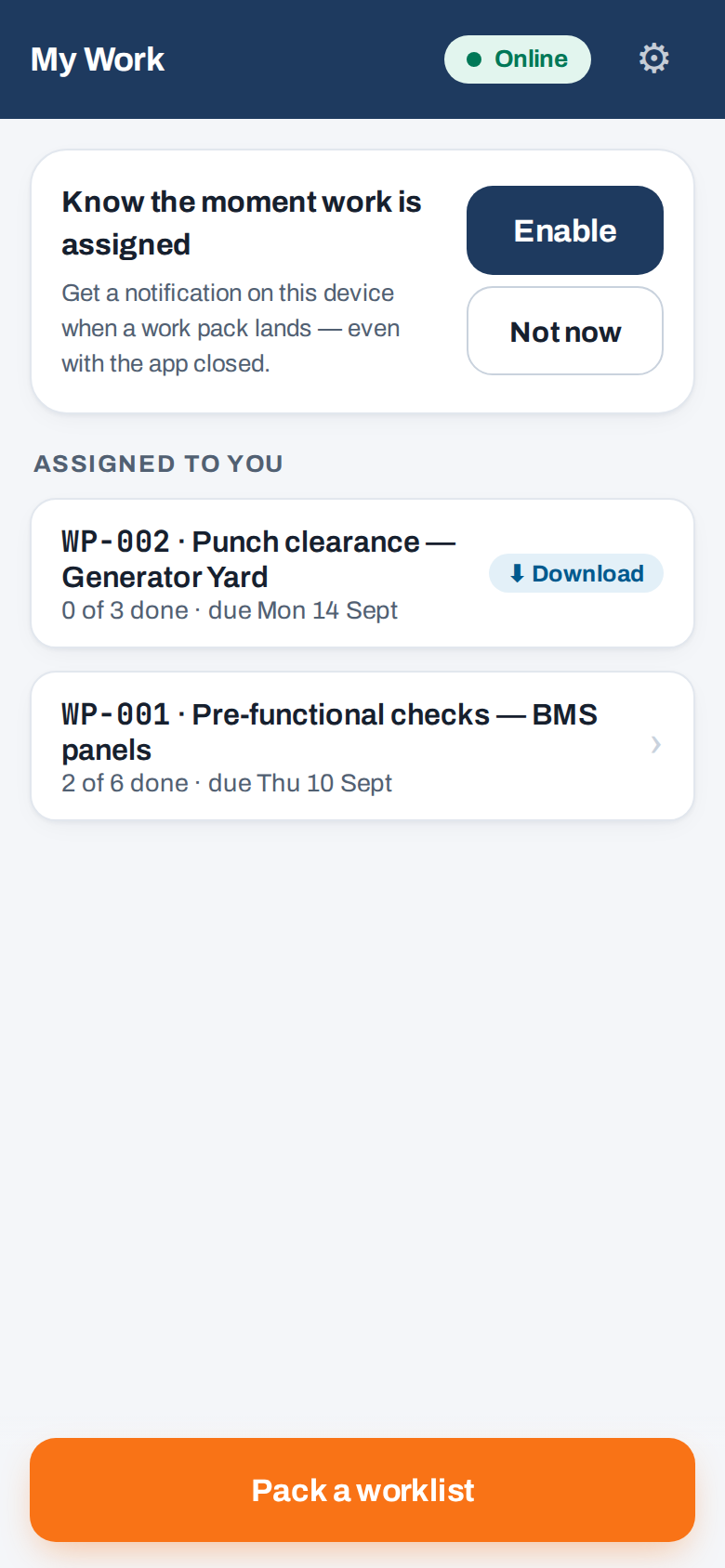
Work packs assigned at the desk arrive on your phone with a notification, even with the app closed. Or pick the systems yourself and download everything they need.
Fill checksheets, raise punch with photos and mark work ready, all from the copy on the device. It works the same in a basement or a switchroom.
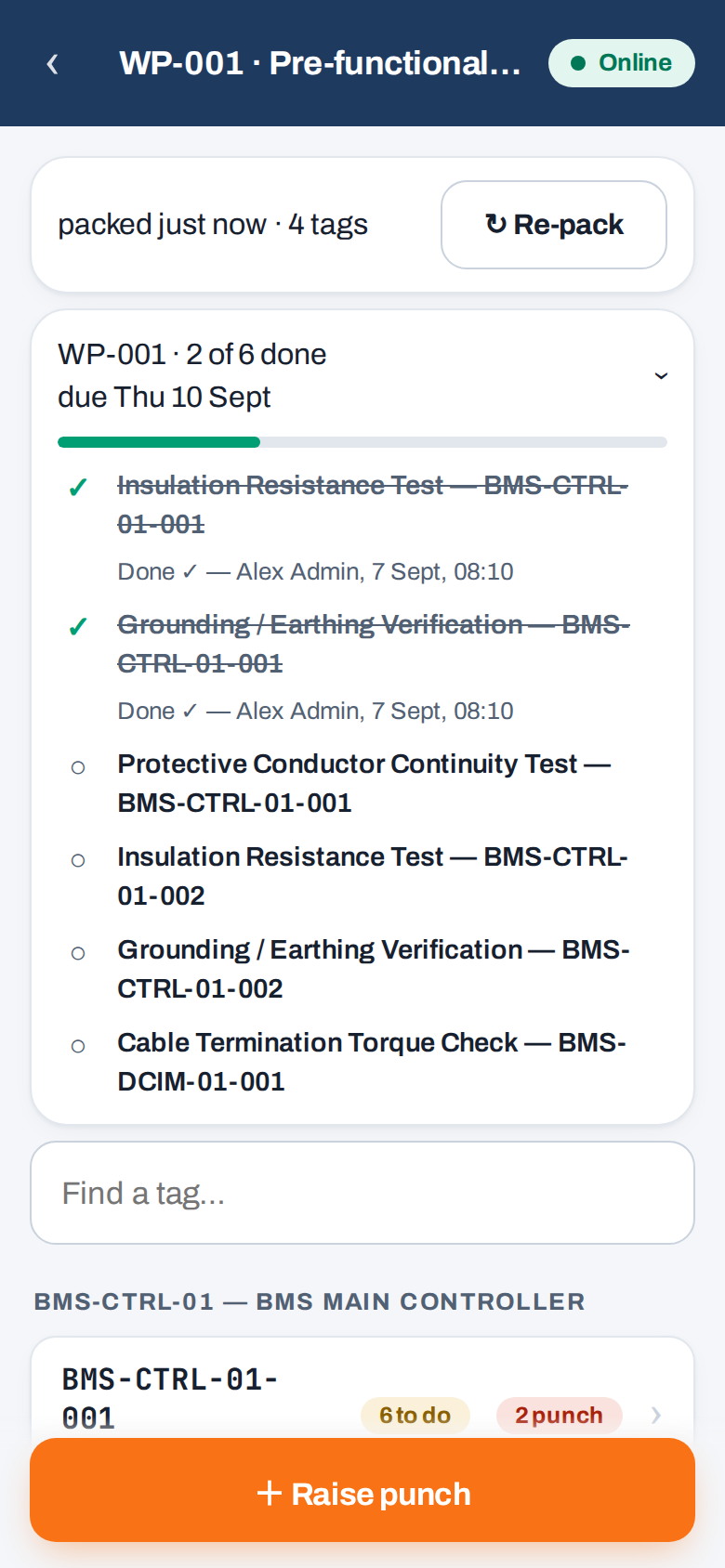
Queued work uploads once you're back in coverage, signed with your PIN and attributed to you. Work someone else has finished is struck through on your pack, so nobody walks to a job that's already done.
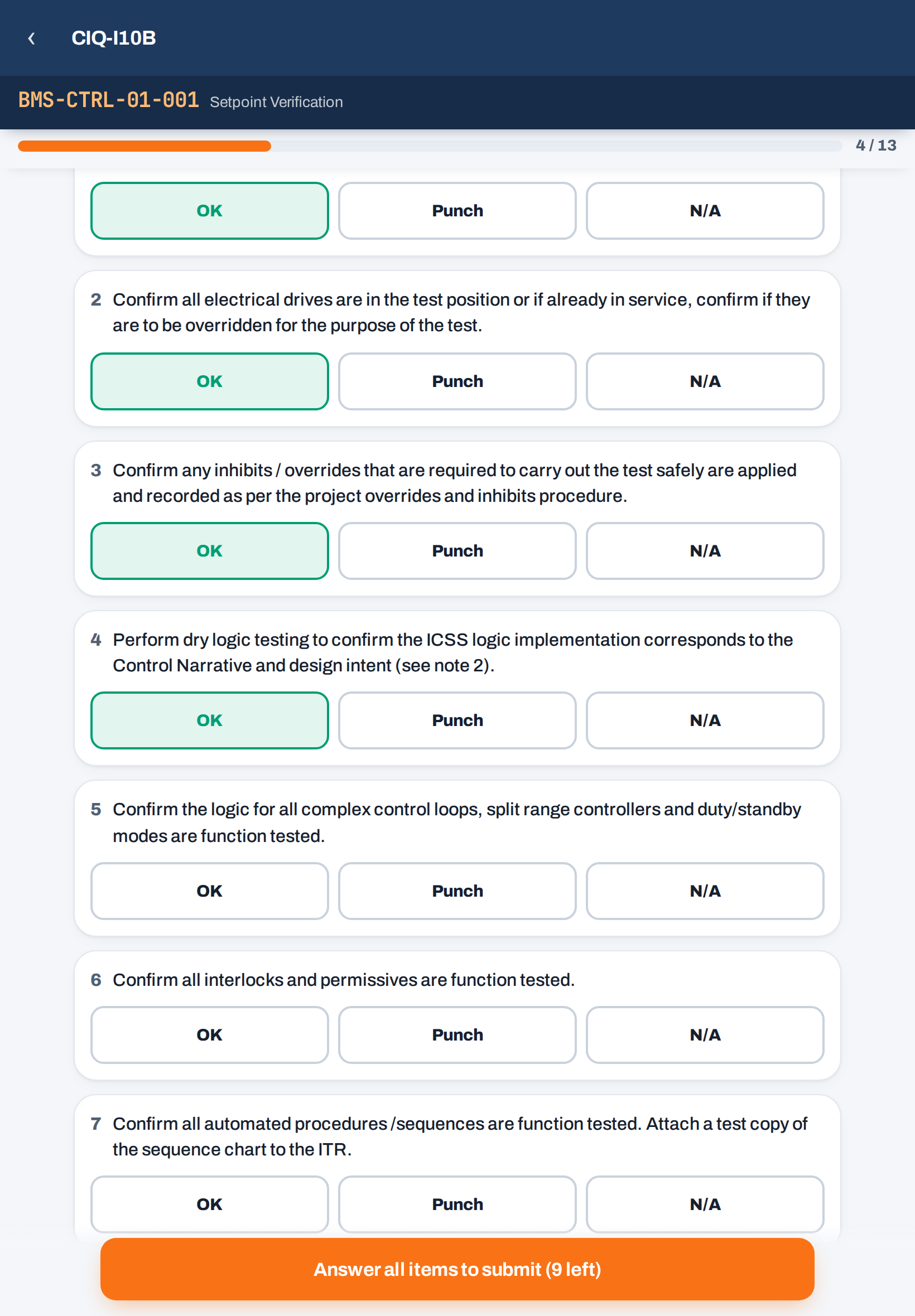
Real screens from the app, using the same colourblind-safe design as the desk.
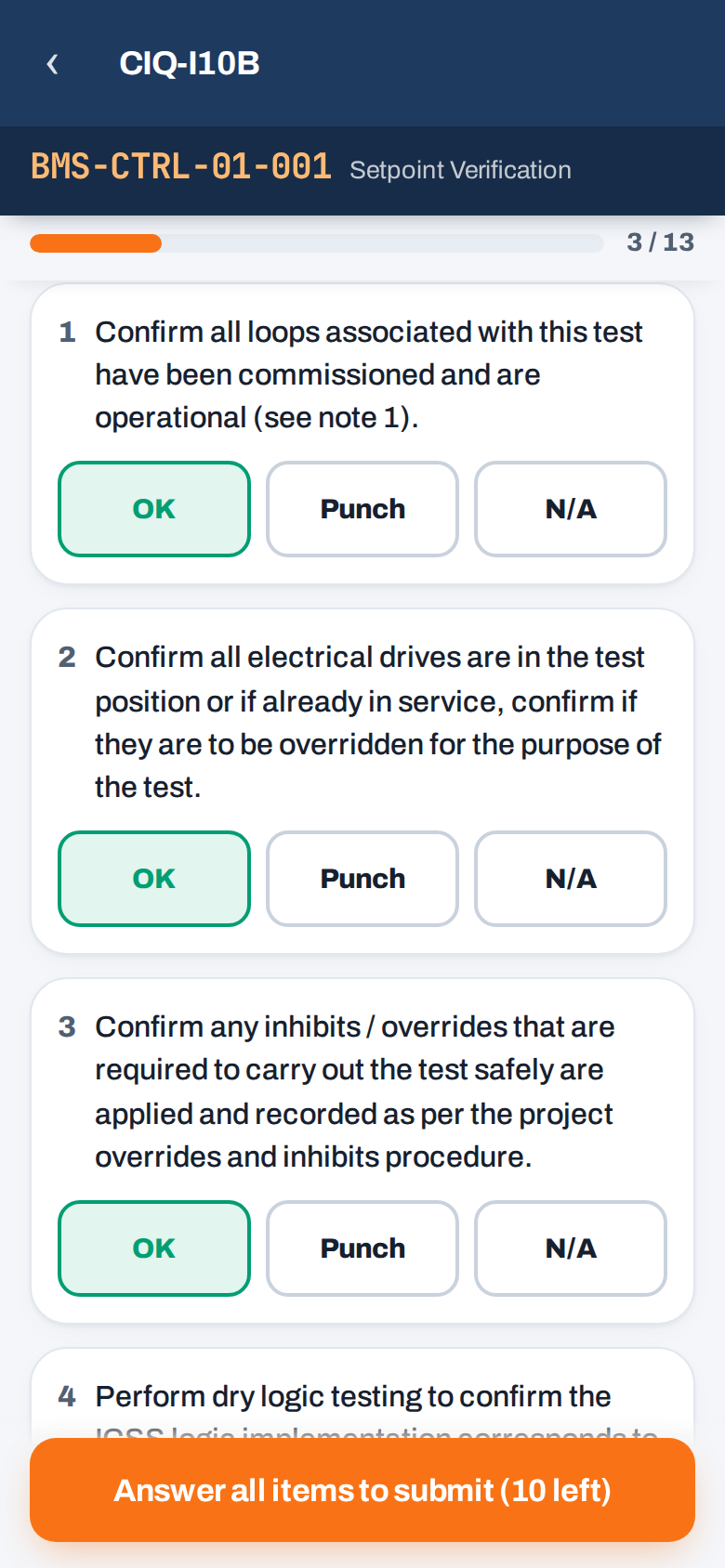
The same ITR templates as the desk: checklist items, readings with tolerance warnings and tables. Filled offline and signed with your PIN on submission.
Photograph it, categorise A/B/C and assign a contractor at the tag. Photos sync when you're back in coverage.
The desk picks work from the Outstanding Work List and issues it to a person or a crew. It appears on their phones with a notification.
When anyone completes an item, from the desk or another phone, it is struck through on every pack that has it, with a name and a time.
Large touch targets, one-handed layouts and high-contrast type. Usable up a ladder or through a work glove.
Every record has a unique ID, so retries never create duplicates. Conflicts are flagged for review rather than overwritten, and nothing is dropped silently.
On a tablet the checksheet looks like the paper form it replaces: numbered items, big result buttons, the tag always in view. Every answer is attributed, timestamped and PIN-signed, and an archival PDF is generated on approval.
Book a walkthrough. We'll load your tag register, give you a login and let you fill a checksheet in airplane mode.
 CompletionIQ